Online PDF Tools vs Desktop Software: Which One Do You Actually Need?
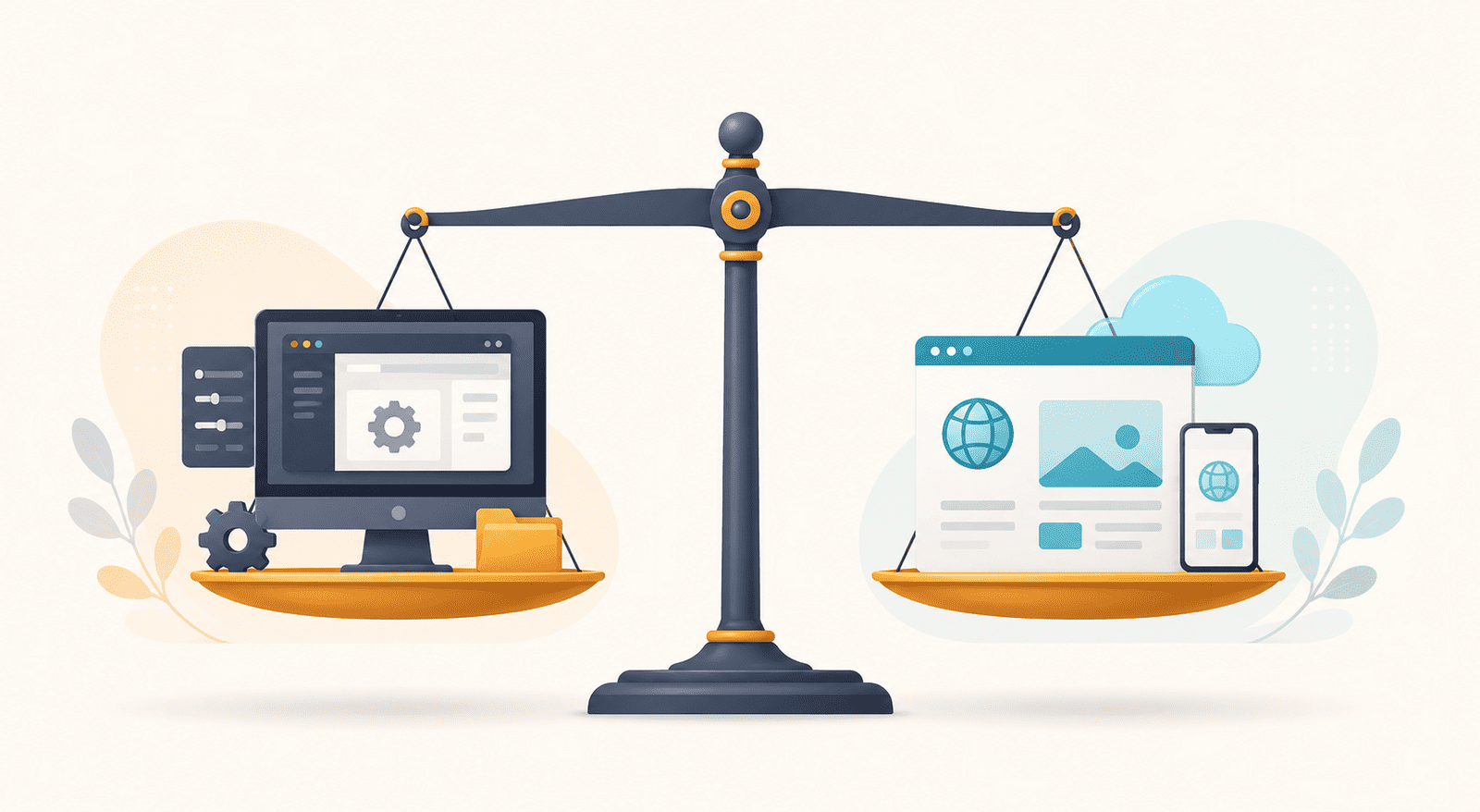
Most "online vs desktop" comparisons are secretly an advert. They pick a side on the first line and spend the rest of the article making the other option look foolish. That's not useful when you're the one who has to actually choose.
So here's the honest version. Neither is better in the abstract. Desktop PDF software like Adobe Acrobat genuinely wins at some things; online tools genuinely win at others. The only question that matters is which set of strengths lines up with how you handle PDFs — how often, on what, and for what kind of work. Get that match right and the choice makes itself.
Let's look at where each one actually earns its place.
Where desktop software genuinely wins
It's worth being straight about this, because these are real advantages and pretending otherwise would be dishonest.
Fully offline work. Desktop software runs without a connection. If you work somewhere with no reliable internet, or handle documents that for policy reasons must never leave your machine, that's a decisive point in its favour.
Very large or very heavy files. Processing happens on your own hardware, so a genuinely enormous file or an unusually complex one can sometimes be handled more comfortably locally, without an upload.
Deep, specialised production work. Professional pre-press, advanced print production, intricate form-field logic, colour-managed publishing workflows — the deep end of PDF work has features that dedicated desktop software has spent decades building out.
Constant, all-day professional use. If PDFs are the core of your job and you're in the software for hours every day, a powerful desktop application installed and configured to your workflow can be worth the cost and the commitment.
If you're in one of those situations, desktop software is a reasonable choice, and this post isn't going to tell you otherwise.
Where online tools genuinely win
Here's the thing, though: the list above describes a minority of people. Most PDF work isn't all-day production on enormous files with no internet. It's someone who needs to convert a document, sign a form, merge a few files, or make a scan searchable — now, and then not again for a week. For that, the browser wins on almost every axis.
Nothing to install. No download, no setup, no licence to manage, no updates to run. You open a page and the tool is there. On a shared, locked-down, or work-managed computer where you can't install software, this isn't a convenience — it's the only option that works at all.
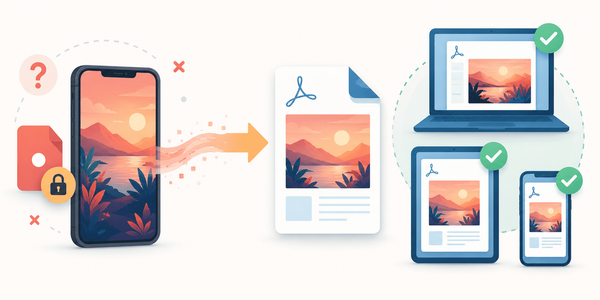
Any device, anywhere. The same tools work on your laptop, a borrowed computer, or your phone. Signing a PDF from your phone on a touchscreen — where drawing a signature with a finger actually looks right — is something a desktop application can't match.
Always current. There's no version to fall behind. The tool you use today is the latest one, with no upgrade to buy when the next edition ships.
Right-sized for occasional work. For tasks you do now and then, a full desktop suite is a lot of software — and often a lot of cost — to leave sitting on your machine for the few times a month you need it. A browser tool is there when you want it and gone when you don't.
Batch work without the setup. Dropping a whole folder of files into a browser tool and getting them all back at once covers the "I have twenty of these" case without any of the installation overhead.
The honest verdict
Match it to your pattern, not to a winner.
If PDFs are your profession — all-day, heavy-file, offline, deep-production work — desktop software is built for you, and its strengths are real. If PDFs are a task rather than a job — something you need done properly, occasionally, on whatever device is in front of you — online tools do the same everyday jobs with none of the install, cost, or maintenance, and that describes most people most of the time.
The mistake isn't choosing one over the other. It's buying a heavyweight professional suite for lightweight occasional work, or trying to run a full-time production workflow through tools built for quick tasks. Be honest about which one you are, and the answer is obvious.
If your work is the everyday kind
For the convert-it, sign-it, merge-it, shrink-it, make-it-searchable kind of PDF work — the kind most people actually have — a browser is genuinely all you need. PDFEquips runs over fifty PDF tools in the browser, from conversions to editing to signing, with nothing to install and everything on whatever device you happen to be using.